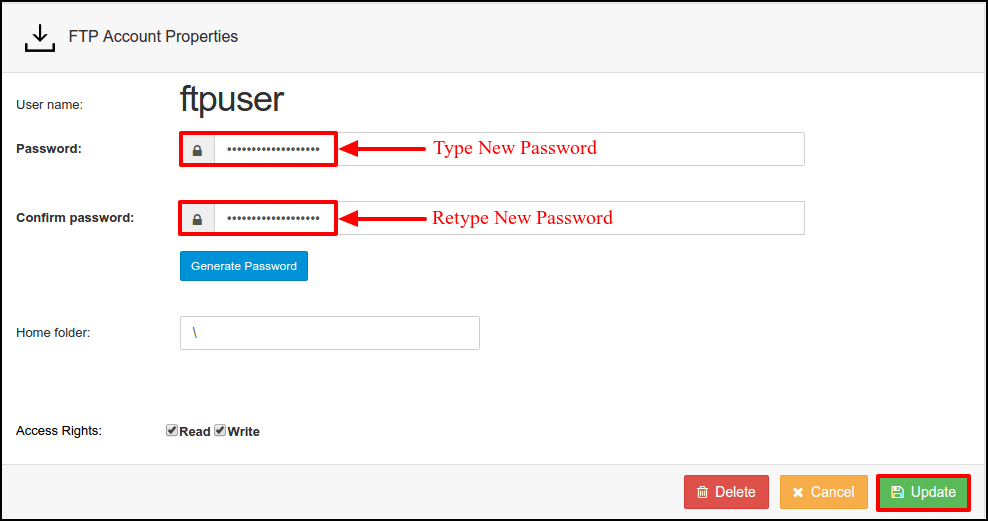
Steps to follow to reset password ftp account in SolidCP
- Login to SolidCP.
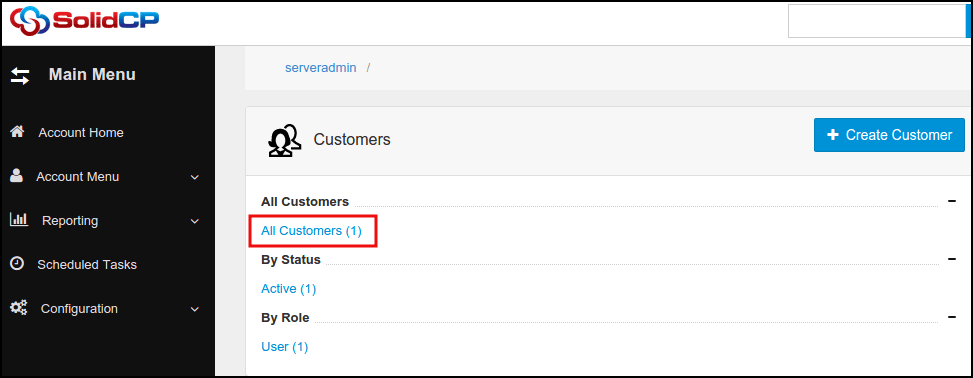
- Once you are logged into SolidCP, click on All Customers link.
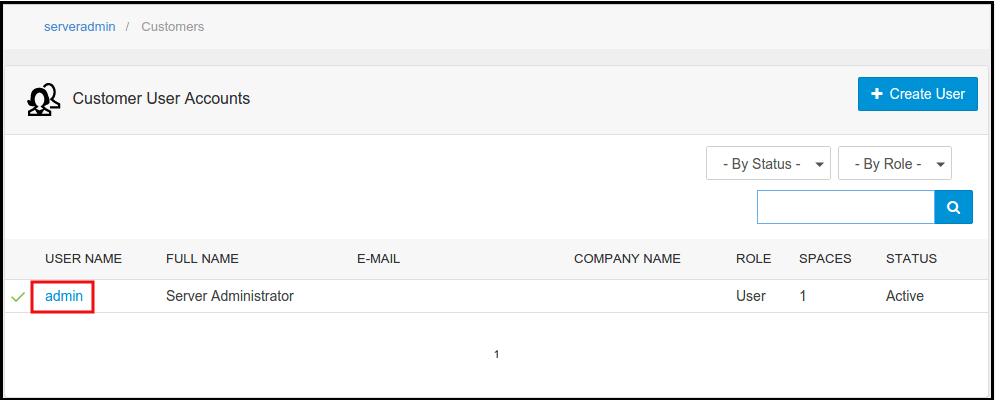
- In the next screen, you will see the list of all created users. If you have not created any user yet, you'll see the default admin user there. Click the username link under FTP account is created.
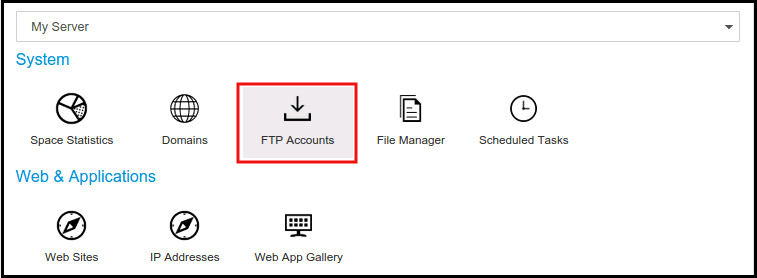
- In the next screen, you will see icons for all services you can manage from SolidCP. Under System section click on FTP Accounts icon.
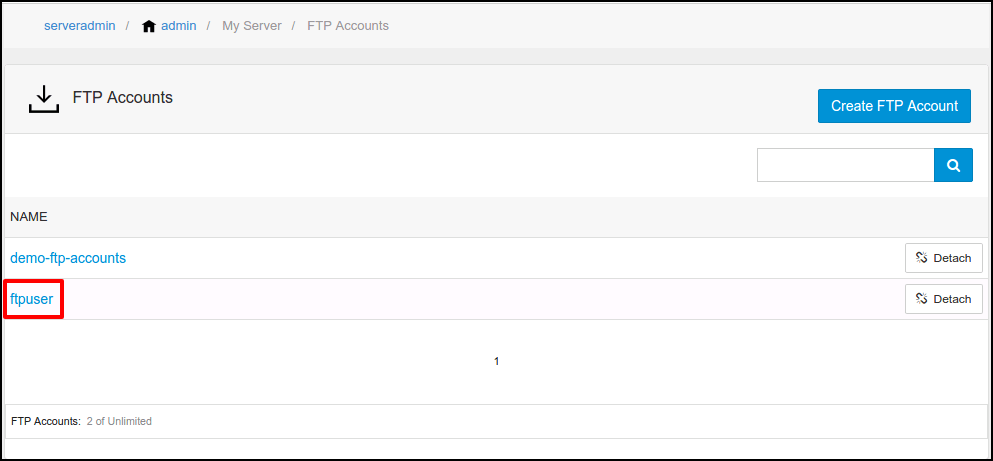
- In the next screen, a list of previously created FTP accounts will be populated. Select the FTP account whose password you want to change.
- In the next screen, type new password and confirm it. Click Update button.